
Shopify automated filing is ending 12/31. Keep your filing automated with DAVO.
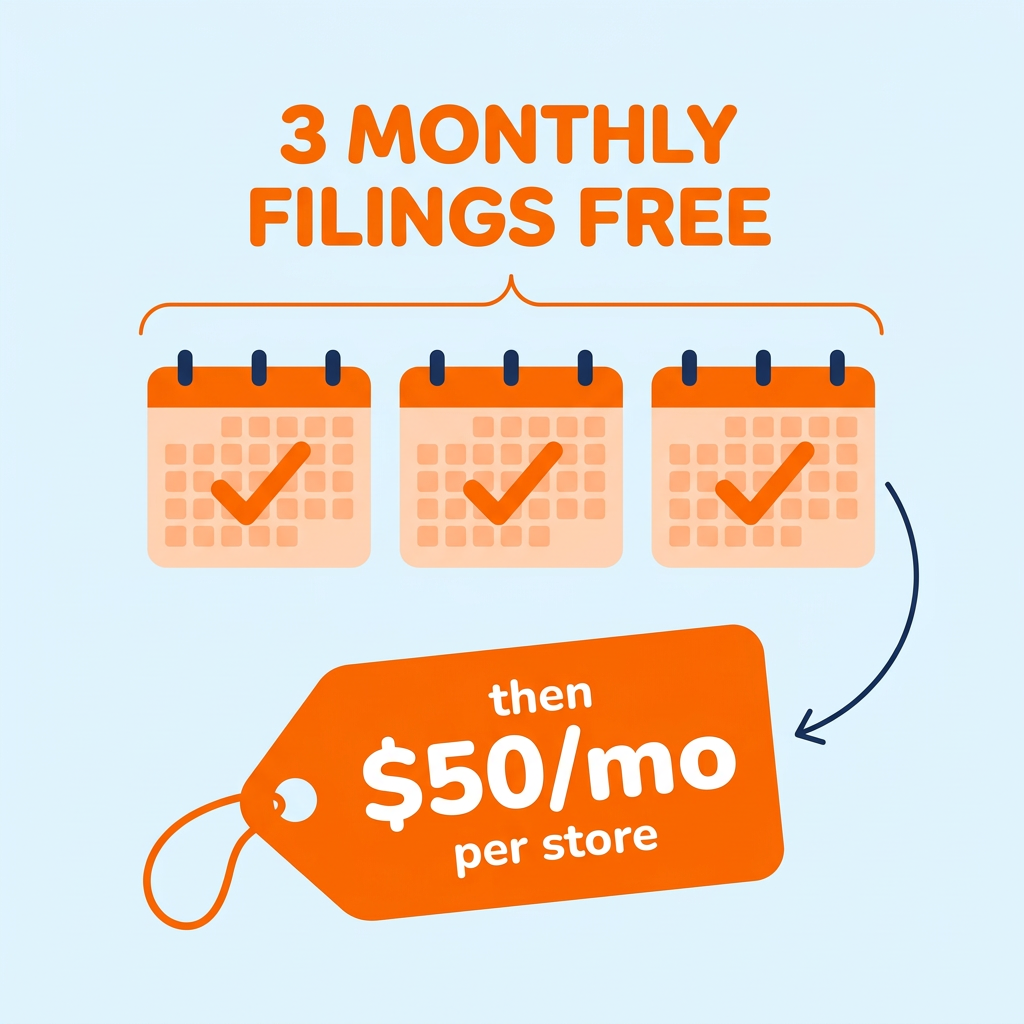
Keep your tax setup as it is. Shopify Tax still calculates and collects sales tax on every order at no extra cost. DAVO picks up where Shopify’s last return leaves off, and a DAVO specialist helps you set up your state accounts with you on a live call. Your first 3 months are free, then it’s $50 per store per month, with no long-term contracts or hidden fees.
First 3 months free when you activate by March 31, 2027.
Miles de comerciantes confían en DAVO para automatizar sus impuestos sobre las ventas de principio a fin.
Descubre por qué los clientes dicen que DAVO es imprescindible.“



Switch from Shopify automated filing in four steps:
- Save your Shopify filing records.
- In your Shopify admin, go to Finance > Tax filing, open each return, and click Return report under Documents. Shopify keeps these records until April 30, 2027, so save a copy now. Your DAVO specialist uses them to line up your first DAVO return.
- Check for “No se ha presentado” returns.
- Download the report for any return marked “No se ha presentado.” Our team can help you figure out what still needs to be filed.
- Fill out the form, above, and book your setup call
- Your first 3 months are free, then it’s $50 per store per month, with no long-term contracts or hidden fees. Cancel before your free period ends and you won’t be charged.
- Your specialist will confirm your first DAVO return in each state, using the handoff table below and your Shopify records, so nothing is filed twice or missed. They will also work with you to set up your state tax logins, including the login codes some states send to your phone or email.
- That’s it. DAVO files from there for you.
- With your Shopify store connected to DAVO, your sales and tax data comes in on its own. Your specialist checks your first DAVO return before it’s due. DAVO then e-files it, and each return after it, on your state’s schedule. On time, in full, garantizado.
You don’t need to turn off automated filing. It stops on its own after your last return, and Shopify Tax keeps calculating at checkout.
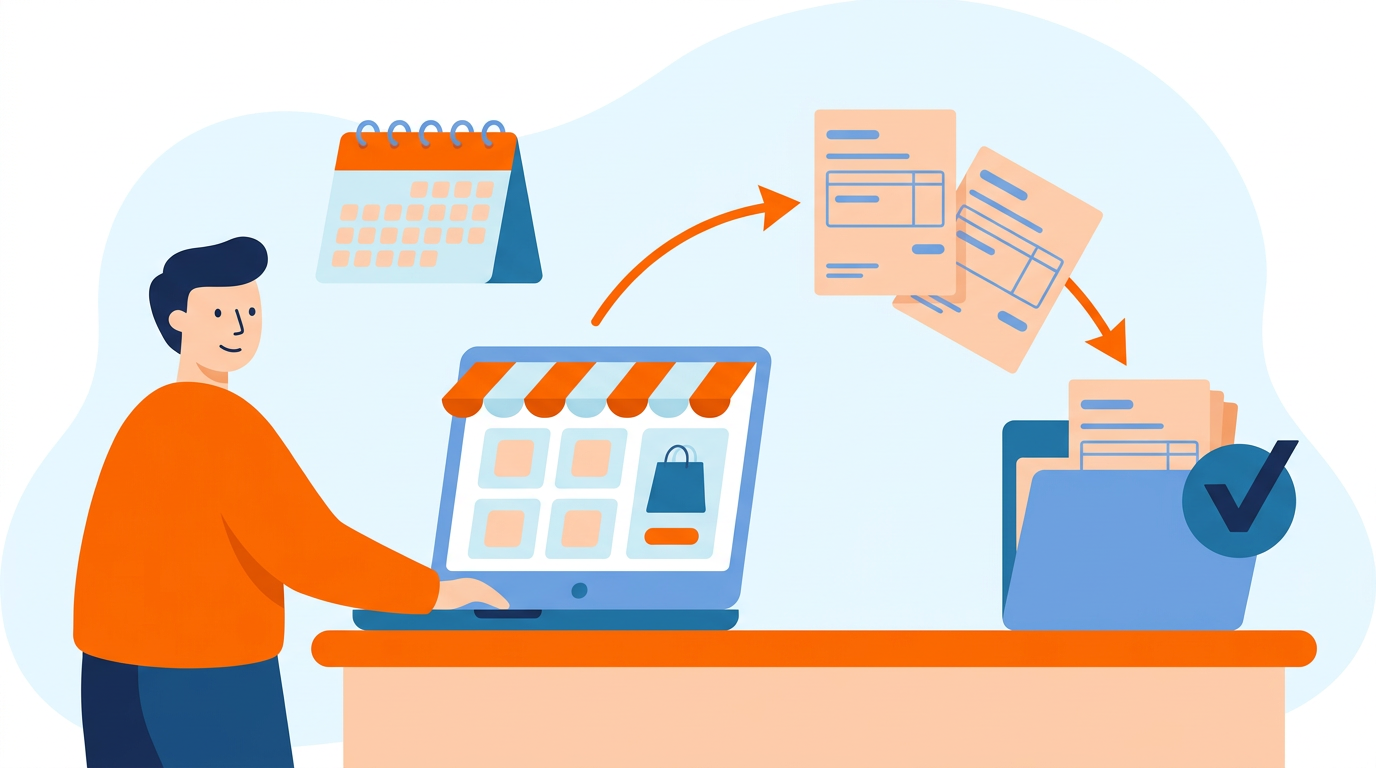
DAVO picks up where Shopify leaves off
Connect your Shopify store and DAVO uses the tax Shopify Tax already calculated. Your checkout doesn’t change, and DAVO doesn’t recalculate your tax.
- Returns filed for you. DAVO e-files each return on the state’s schedule, starting with your first return after Shopify’s last one.
- One dashboard. See sales, tax collected, and the amount due for every filing period before anything is filed.
- Setup with a real person. DAVO’s onboarding team works through state logins and authorization forms with you, which is usually where switching slows down.
- Help with state notices. If a state sends a letter about a return DAVO filed, upload it and DAVO’s notice team will review it.
- No contract. Cancel anytime by uninstalling the app.
Preguntas frecuentes
When does Shopify automated filing end?
It ends after the returns for sales through December 31, 2026, and most of those are due in January 2027. Quarterly filers in New York get one more return, covering December 2026 through February 2027 and due in March 2027.
Does Shopify Tax still calculate sales tax after automated filing ends?
Yes. Shopify Tax keeps calculating and collecting tax at checkout and keeps your tax reports current at no extra cost. Only filing ends.
Do I need to turn off automated filing before I switch to DAVO?
No. It stops on its own after your last automated return.
How long can I download my Shopify filing records?
Until April 30, 2027. Download a return report for each automated return and keep a copy.
What if a return shows “No se ha presentado” in Shopify?
Shopify won’t file it. Download that return’s report. You’ll need to file it yourself or ask DAVO’s team about next steps.
Will DAVO change my Shopify checkout?
No. DAVO uses the tax Shopify Tax already calculated and doesn’t change how tax is collected.
What happens after the 3 free months?
DAVO continues at $50 per store per month, billed through Shopify. Cancel before your free months end and you won’t be charged.
Is there a deadline for the offer?
Yes. Activate by 11:59 p.m. ET on March 31, 2027.
¿Qué ocurre si tengo más de una tienda Shopify?
Each store gets its own 3 free months and is billed separately after that.
Who is DAVO for Shopify a good fit for?
Shopify sellers registered in one or two states. If you’re registered in three or more states, or you also sell on marketplaces, look at Avalara Select.
How do I cancel?
Uninstall DAVO from your Shopify admin before 11:59 p.m. ET on the last day of your free period.
Three ways to file after Shopify stops

File it yourself
Use your Shopify Tax reports and log in to each state’s website on that state’s schedule. This can work if you’re registered in one state and file infrequently. It gets harder with every state you add, since each one has its own due dates and website.

Use a filing service, like DAVO
The service files for you, the way Shopify’s automated filing did. Check whether it charges per return or a flat price. Per-return pricing adds up quickly when you file monthly.
Cuando venza su impuesto sobre las ventas, DAVO pagará y presentará automáticamente sus impuestos ante el estado., garantizando* Llegarán a tiempo y se les pagará el importe íntegro.

Hire an accountant
Good if you already work with one. Ask how they charge for monthly returns before you commit.
*sujeto a condiciones y limitaciones
Your last automated return depends on how often each state has you file. DAVO starts with the next return after it.
| How often you file | Shopify’s last automated return | Due to the state | DAVO files from |
|---|---|---|---|
| Mensual | December 2026 | January 2027 | January 2027 return |
| Trimestral | October to December 2026 | January 2027 | January to March 2027 return |
| Quarterly in New York | December 2026 to February 2027 | March 2027 | March to May 2027 return |
| Semi-annually | July to December 2026 | January 2027 | January to June 2027 return |
| Semi-annually in Pennsylvania | July to December 2026 | February 2027 | January to June 2027 return |
| Anualmente | 2026 | January 2027 | 2027 return |
Check for “Not filed” returns now. Shopify marks a return “Not filed” if it was skipped or still had open issues on its filing date, and Shopify won’t file it. Open Finance > Tax filing in your Shopify admin before the end of the year. Download the return report for anything marked “Not filed” so it can be filed.